“Nothing endures but change,” wrote Heraclitus, and David Bowie would probably have agreed. But few things change as often as AI tools, including Google Flow.

Flow makes me think of Aunt Flo from the classic, artistically groundbreaking children’s cartoon, “Bod”, but unlike her, it doesn’t have its own theme tune. Perhaps it should.
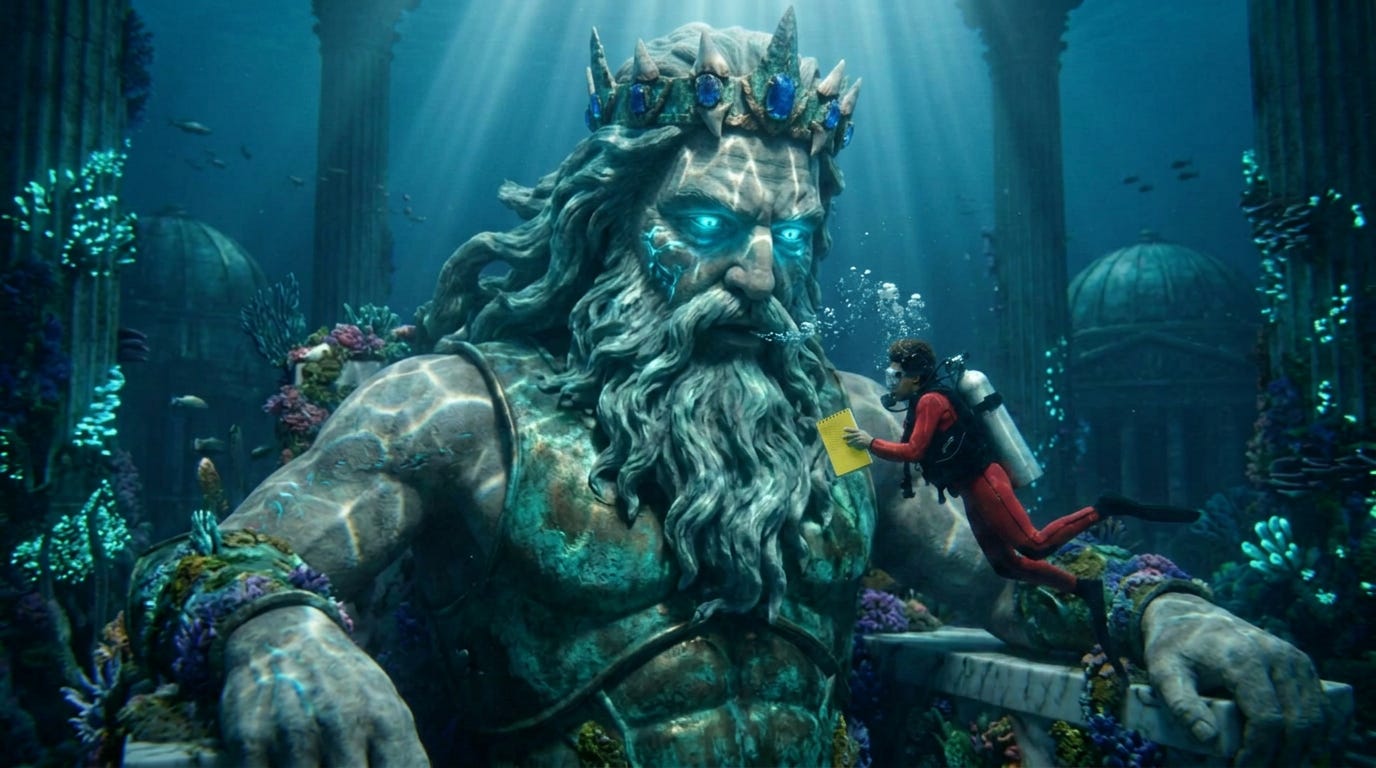
Anyway, Google Flow has just transitioned from a “simple clip generator” to “a full-scale AI creative studio,” at least according to its stablemate Gemini.
While most people spend the latter half of Friday attempting to skive off early for the weekend, Google Labs were busy relaunching the “New Flow”, so I thought I would check it out.
First off, the New Flow loves banging on about bananas. Whatever you do, it will insist on announcing that “Nano Banana 2 is Here!”, which is very exciting if you want to use Nano Banana 2 but isn’t if you don’t.
If you don’t have lots of reference images at the ready from external image generation sites, I strongly recommend opting for the banana. This is one of the main strengths of the Flow upgrade – you don’t have to hop between platforms. Nano Banana 2 will generate images for your start and end frames (or your ingredients) and they are then immediately available as assets for video prompting.
If you are in a hurry, the changes are a tad frustrating at first – lost of things are not where they were: notably SceneBuilder.
What is it about incredibly useful things that makes people want to change them? I always found that SceneBuilder did exactly what it said on the tin: it built scenes.
The tool proved a highly effective, relatively quick way of maintaining consistent characters, locations and style across sequences. It worked – and in 2026, that made it a glorious outlier. When I first tried the “upgraded” version, I was not entirely convinced it did any more.
According to Gemini, SceneBuilder is no longer a separate app; it’s the Project Timeline within Google Flow. Once you have generated a clip, you hover over the thumbnail in your Gallery and click the “Add to Scene” icon (the thing with the plus sign). This will automatically drop the clip into the SceneBuilder timeline at the bottom of the screen.
The “Jump To” tool is handy for continuity. On your timeline, you select the clip you just added, click the plus button at the end of that clip and select “Jump To.” This opens a specific prompt box that uses Gemini 3.1 Pro to analyze the final frames of your previous shot. Input your next prompt there and Veo 3.1 should generate the next shot with “perfect visual and environmental continuity”.
Another feature is the “Ingredients Drawer”. You can drag an image of your protagonist to the Ingredients Drawer on the left sidebar, tag it as a “Character Reference,” and when you use SceneBuilder to generate new shots, the model will now prioritize maintaining the exact fur texture and facial structure from that reference image across all four shots.
It works, although you can find that the quality decays after repeated regenerations (a bit like Doctor Who).
You can grab the edges of the clips on the timeline to trim any “leading” or “trailing” silence, and if any clip feels too rushed, you can use trhe “Extend” function – dead handy for adding poignant bits of “acting” like blinks, breath, and subtle shifts to let the moment breathe.
Deciding between “Fast” and “Quality” mode proved tricky at first. Fast mode does not always give you the “plus” option unlocking the “Jump To” feature, but it does allow you to download a clip in a fair choice of sizes. Quality mode keeps the plus button, but only allowed me to download sequences at fairly low res, or as a Zip file.
Maybe I was doing it wrong?
Yes, I was. You can indeed download individual, Quality-generated clips at up to 4k, then edit them together outside Flow.
In some ways, I felt inclined to agree with Jah Wobble: “No Change Is Sexy”. But when you’re dealing with AI, you can’t be too much of an old stick-in-the-mud.