Most families have at least one member who is a bit of a dark horse, and the family of tools in Google Ultra is no exception.

Gemini is an uncannily intuitive Large Language Model that can make Chat GPT seem like Siri on an off-day, and veo3 is probably the best video generation tool on the planet, but people are often bemused by Whisk.
I had used it for analyzing images, but little else, so I thought I would have a deeper delve.
Google Labs describe Whisk as an “experimental tool” (I’ve been called worse), but at first glance, it resembles a custard coloured world with lots of boxes to fill.
In fact, after a sustained fiddle – I think it is rather brilliant.
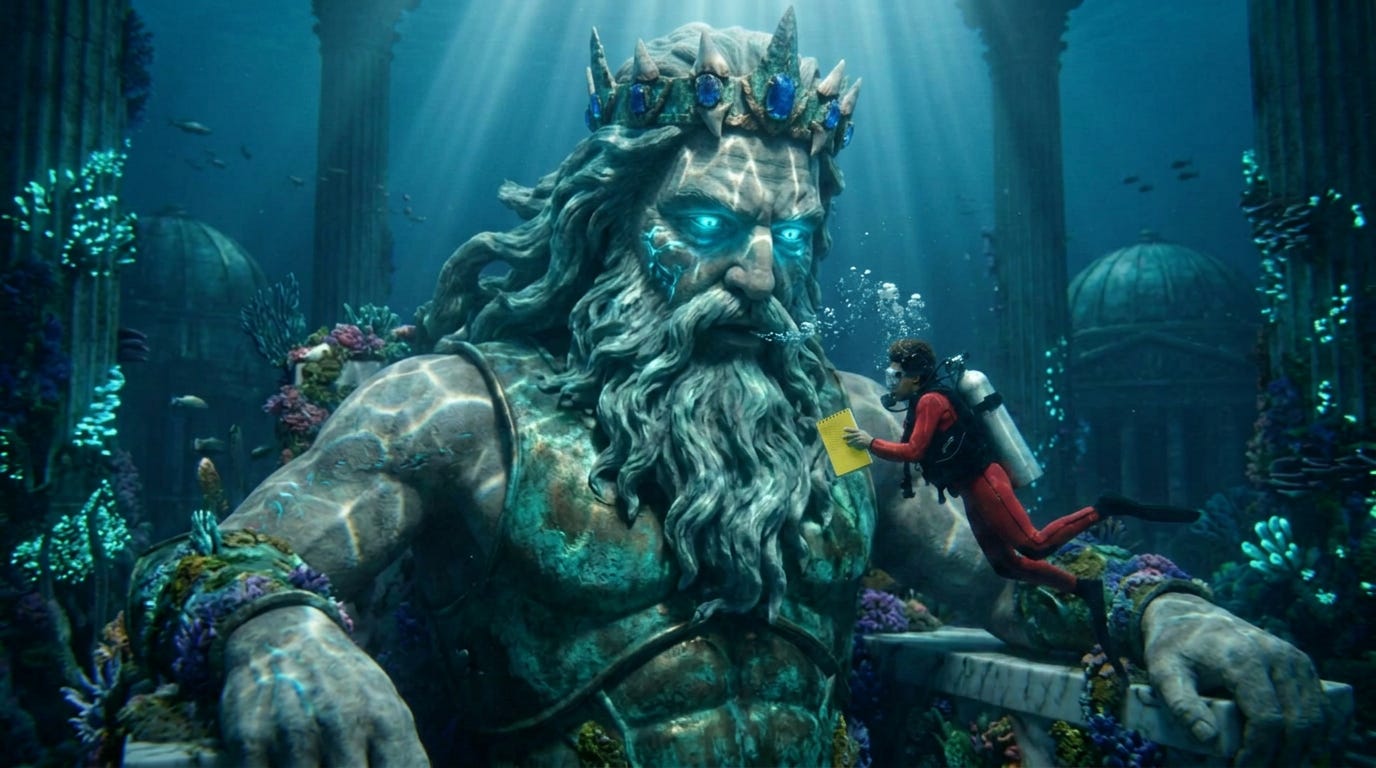
Whisk allows you to prompt with images. This cuts the waffle and enables you to be highly specific. You prompt using one image for Subject, another for Scene and a third for Style. Below the boxes, you add a short text prompt to tie it all together, then you’re good to generate.
Once you have your first result, you can use Refine to finesse the details in a text chat.
Then, when you are happy with the image, you can either use it as a Frame or Ingredient in a veo3 prompt, or you can simply select Animate, and you get, I found, very decent immediate results.
Being a tad thick, it took me a while to work out why it is called “Whisk”. Obviously, it (duh!) remixes images like a digital blender. You provide different categories of ingredient and it combines them into something new.
While Midjourney and DALL-E prioritize text, Whisk is built for people who think visually – like directors. Using image prompts also takes a lot of the guess work out the equation – it doesn’t have to “imagine” what your words mean.
This is particularly useful with character consistency. By reusing the same Subject image across different generations, Whisk “sees” the features of your hero every time.
A few things I found:
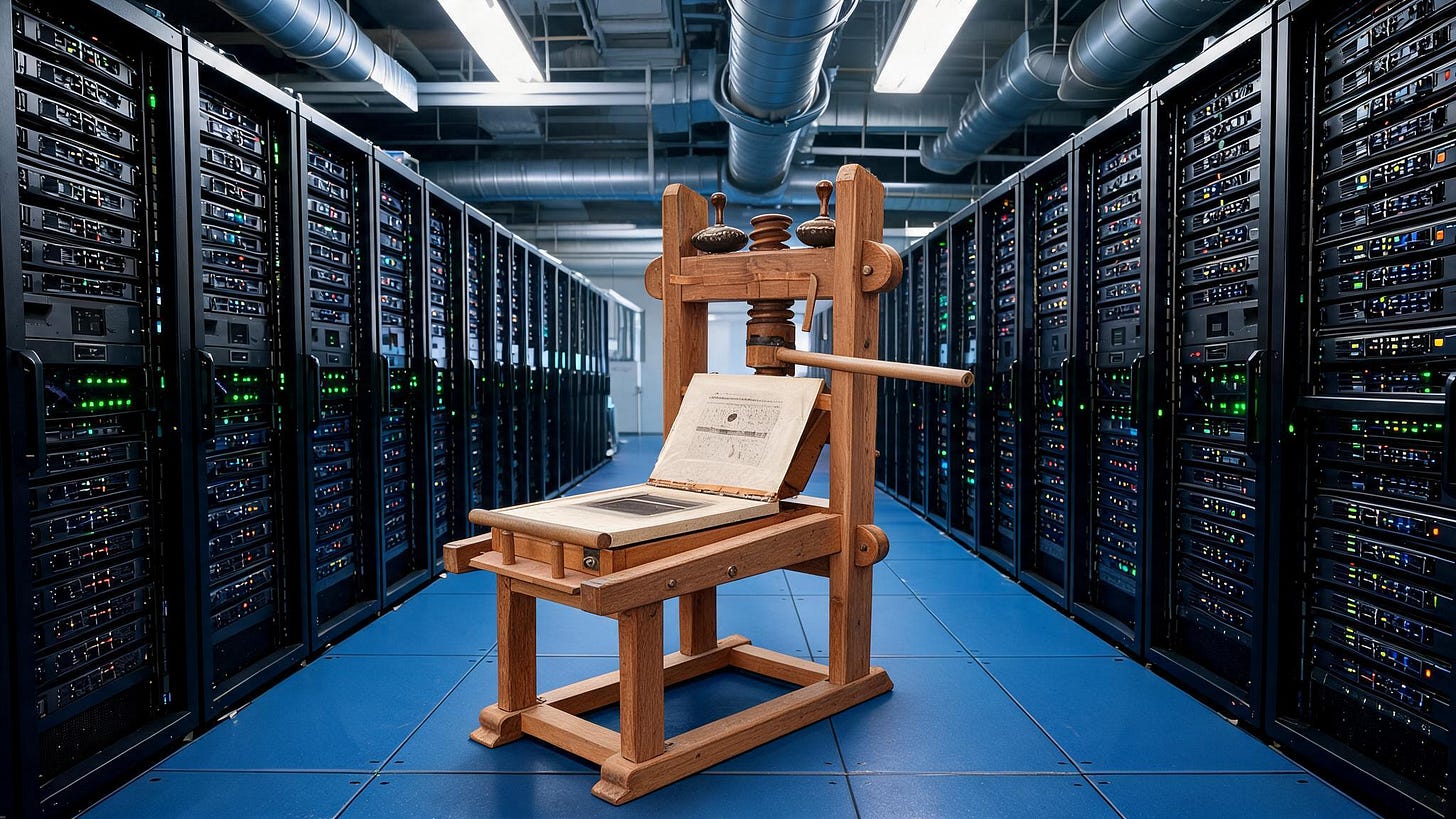
Hero images are best uploaded to the Subject box with clean backgrounds (who doesn;t love a hero with a clean background?). It helps maximise extraction accuracy.
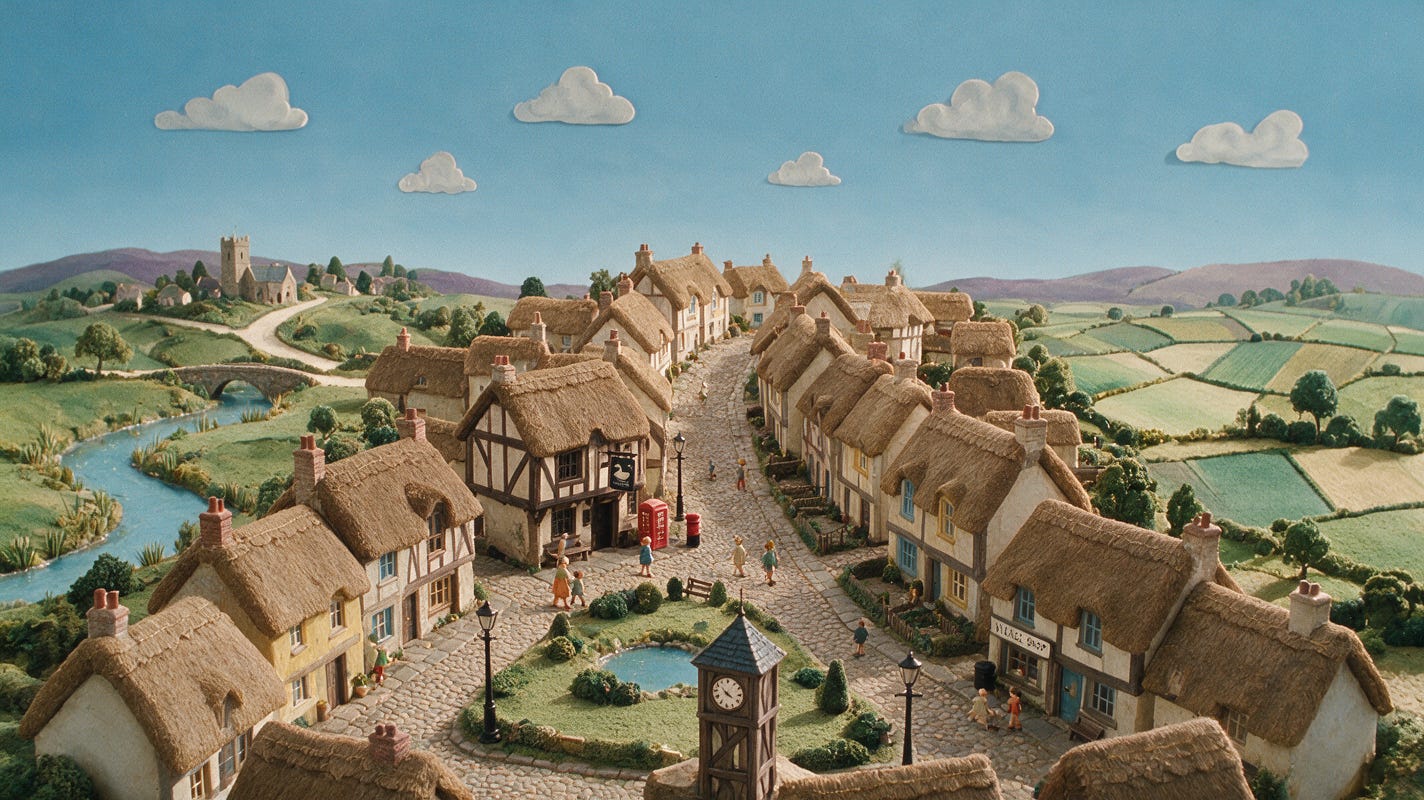
The Scene box does a lot of heavy lifting – it represents where the subject should be, and dictates the perspective, lighting, and background architecture.
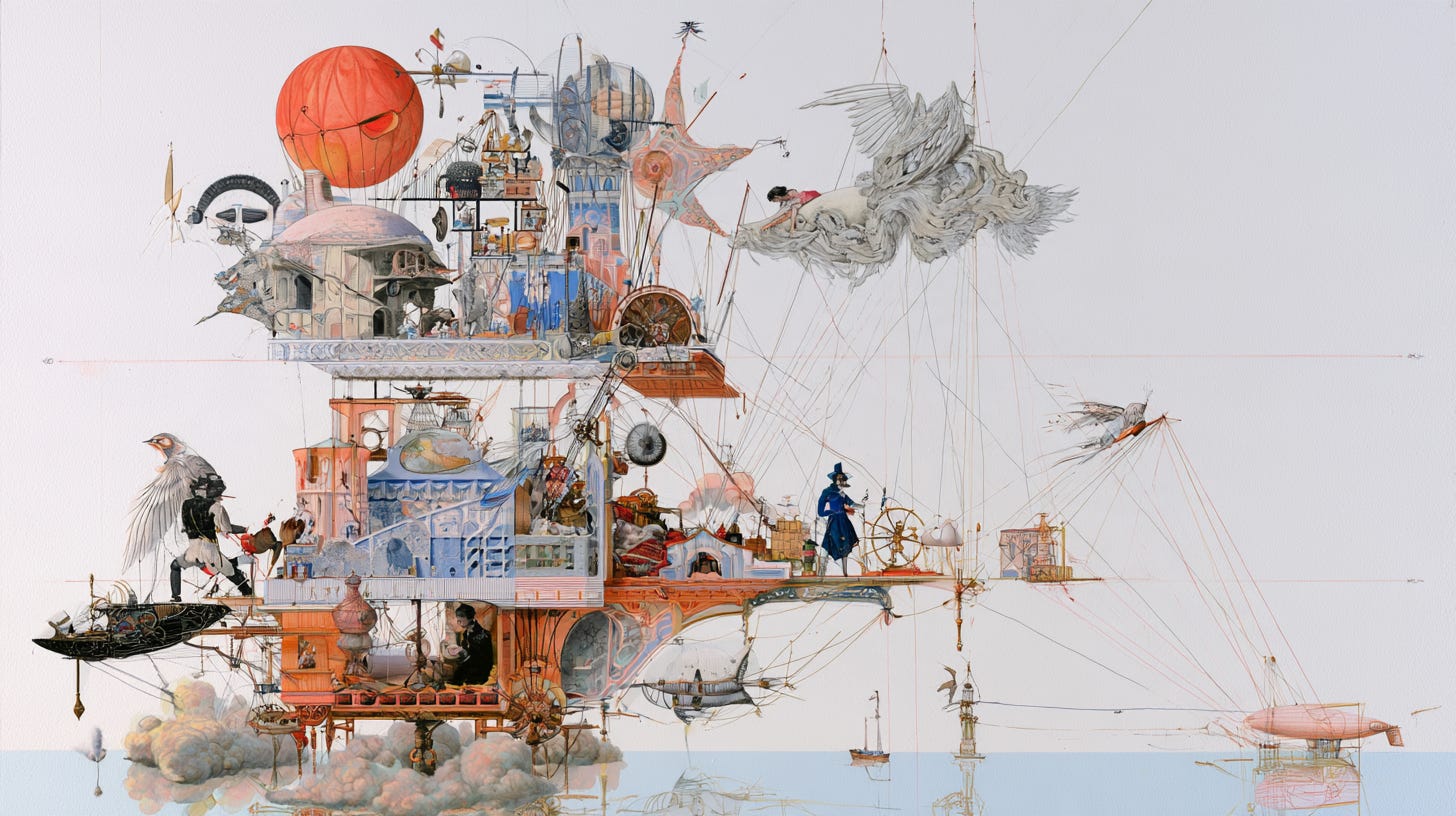
The Style box is for you to upload a reference image for the artistic execution. Unlike text-to-image tools that often “average out” your style requests, Whisk allows you to force a specific aesthetic. You are pointing at a specific image rather than attempting to describe it.
If you want a specific look to be unmistakeable (handy if your client is a brand), put the style reference image into both the Style and Scene boxes. This forces the AI to prioritize those textures and colours over the background’s original geometry. Nice.
You can swap Scenes while keeping the Subject and Style locked. This is handy for seeing how a character or product looks across different locations in seconds – an ultra-quick pre-vis trick.
It is fair to say that Whisk is much better at composing from elements than creating from scratch – so Midjourney and Dall-E don’t have to panic. Yet.
I am planning to use Whisk in a notably bonkers project combining a 1980s action series with some contemporary media mavericks. I love it when a plan comes together, so here’s hoping it does!