For years, swathes of unscripted TV shows have been rescued in post.
This is particularly true of self-shot series that straddle reality and factual entertainment. The worst follow these ten commandments:
-
Film everything that moves. Do not think about how or why.
-
Never cut the camera. It may trigger brain activity.
-
Don’t film key “on-the-fly” interviews. This is particularly important if something dramatic has just happened. It is far better to pick these up eight months later, when everyone involved has forgotten the incident.
-
Maximize irrelevancy. If you do film an interview, cover every conceivable base apart from subjects pertinent to the programme you’re making.
-
Do not listen to what the people you are filming are saying. When they are crying, declaring eternal love or hitting each other, why not pick up cut-aways of household ornaments? But remain relentlessly on them in sync while they talk about their holiday plans and breakfast.
-
Ignore sound. Film crucial scenes with the radio on, conduct tearful interviews next to concrete mixers and ensure crying babies and barking dogs are always at your key locations. Top mics are ideal in noisy environments, booms belong in shot and radio mics should be tuned in to the local minicab firm.
-
Film endless takes. But give no direction in between, so all nineteen versions are near-identical but progressively listless.
-
Use as many cameras as possible. But never sync them up and ensure the operators are entirely unskilled. Do not direct them, as this risks the footage becoming usable. Better to have all the cameras on pretty much the same frame, crossing the line or in each other’s shots.
-
Film enough rushes to overwhelm a munical landfill site. It shows how hard you have been working.
-
Who needs a story? Relentless coverage of unstructured, pointless banality is just what your editor needs.
Editors and edit producers often have to navigate these seas of nonsense, conjuring up coherent narratives with structure, stakes and turning points, whilst working to ever-shrinking schedules.
But could AI assistance be at hand?
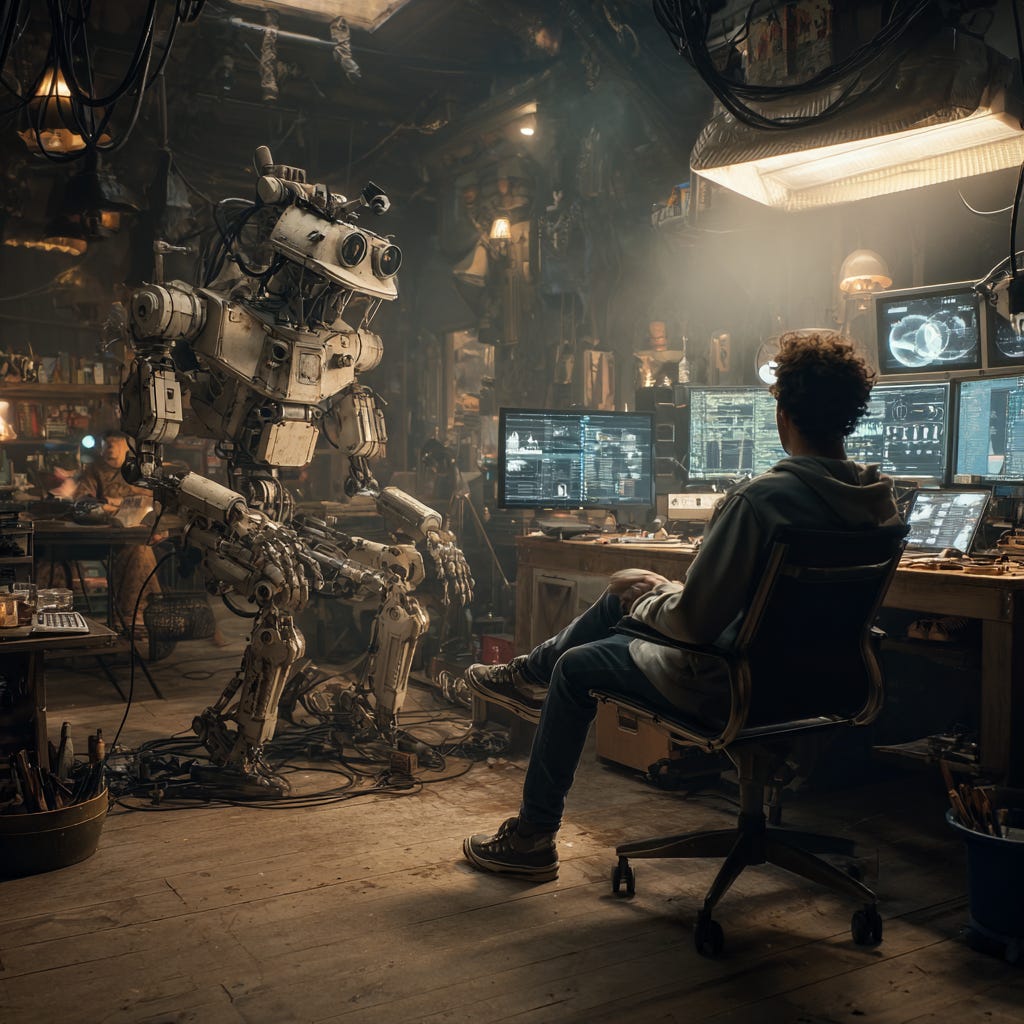
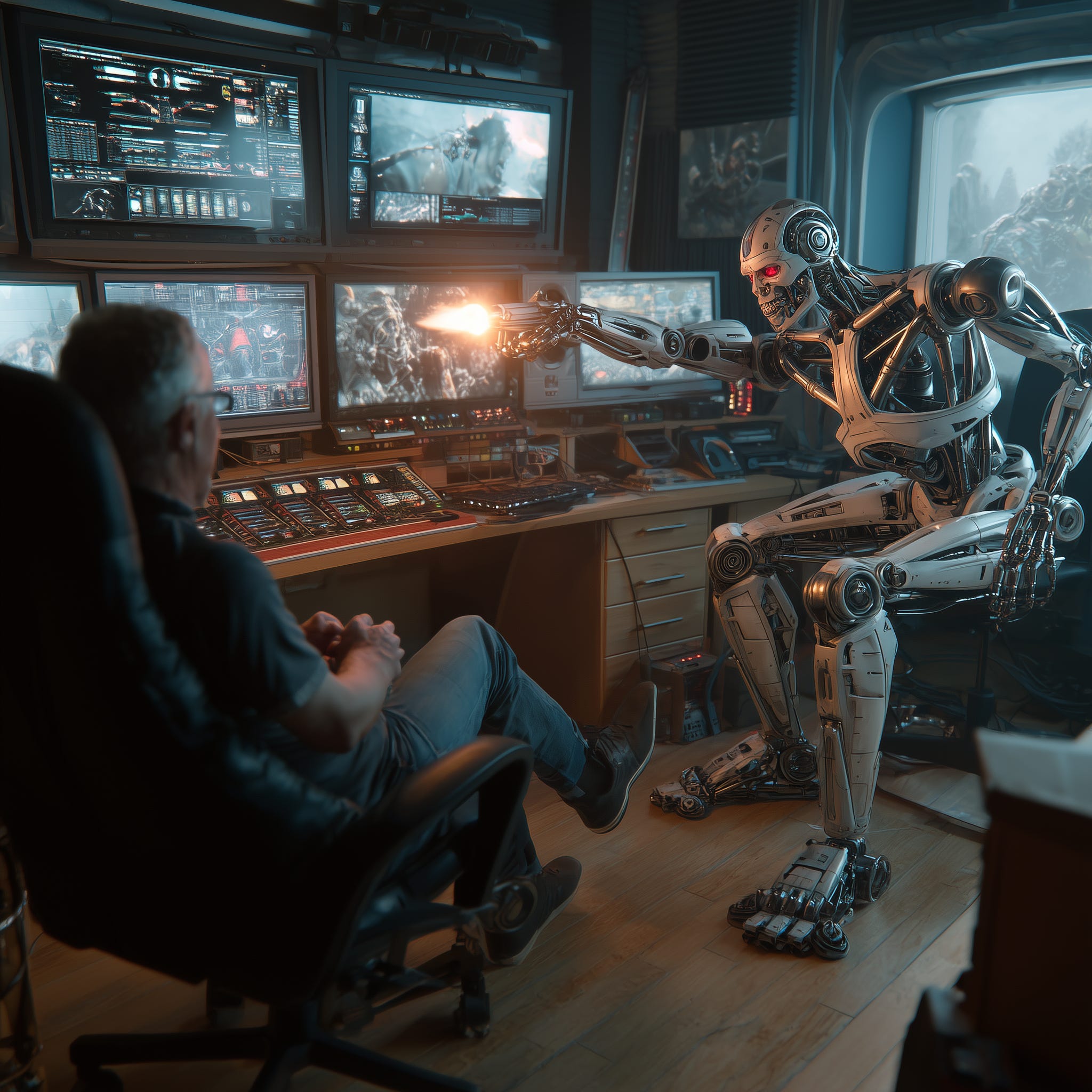
In my experience, the currently available AI tools can be astonishingly good at generating individual clips (given patient prompting). But the ones that offer to stitch them together into a story on your behalf can be astonishly bad – fun to mess about with, but as subtle as Trump Tower.
I have also found that AI tools offering to provide sophisticated editorial analyses of swathes of rushes should not be relied upon to devise detailed assembly scripts or to create cuts, even rough ones. Key moments always seem to get missed, and nuance can seem an alien concept.
So, perhaps human editors, edit producers, and directors overseeing their own edits remain essential to the creative process.
However, some AI tools buried discreetly within existing video editing software can transform the working life of human editors, edit producers and directors who make full use of them.
I cut with Premiere Pro and I enjoyed a recent update on its AI tools with leading editor Alex Snelling, who is on YouTube @SlackAliceFilmTraining.
Adobe claim that its AI-powered Media Intelligence will enable you to “search for your perfect shot using language based on imagery, spoken words, or content with embedded metadata like shoot date, location, or camera type, all at the same time.”
And indeed it does. Text Search will plunder your rushes mountain for phrases and Semantic Search ferrets out objects. They even set in and out points around them for good measure.
Adobe’s Essential Sound Panel is also a treasure trove of AI audio tools, allowing you to effortlessly normalize loudness, reduce noise, and enhance speech. The remix tool is rather nifty too – it can automatically re-edit a music track to fit a new duration, or lower music volume under dialogue.
There are some nice bits of generative AI, including auto-reframe which can turn your TV horizontals into TikTok-friendly verticals (and vice-versa). There is also a tool to extend video by up to two second and audio by up to ten – handy for a poignant pause.
Auto translation into thirty-odd languages, and caption upgrade to customisable graphics are rather handy, but the most useful feature for grappling with the metaphorical mountains of rushes typically served up by self-shooting teams in unscripted is the text-based editing.
Text-based editing has been around for a while, but it’s got better. It allows you to work entirely within Adobe as changes made to its transcript automatically appear on the timeline. Gone are the days of highlighter pens, paper piles, and typed-up timecodes: not an era that will be much missed.
In short, although these tools don’t make a song and dance about being AI, they are – and using them might save a lot of time in the earlier stages of an edit, allowing humans to focus on the finer points of storytelling.